

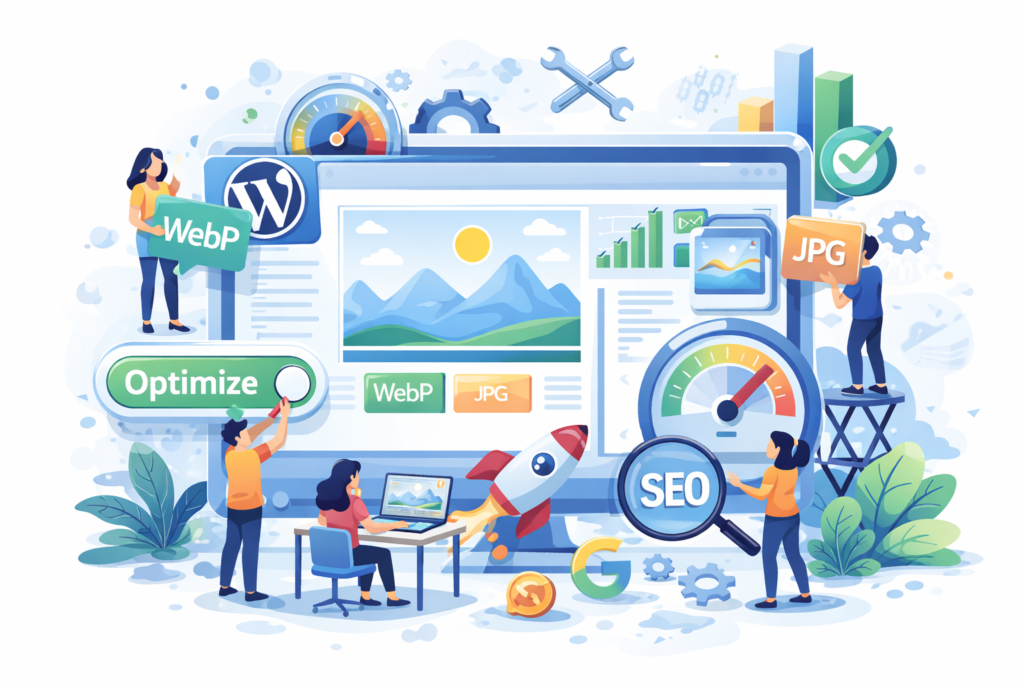
WebP WordPress: How Modern Image Optimization Improves Speed, Core Web Vitals, and SEO
WebP WordPress optimization guide explaining how WebP images improve website speed, Core Web Vitals, mobile performance, and overall SEO results.
Introduction
Website performance is no longer a secondary concern for WordPress site owners. Page speed, visual stability, and user experience now directly influence search visibility, engagement, and conversions. One of the most effective yet underutilized optimizations available today is WebP WordPress image implementation.
Images typically represent the largest share of page weight on WordPress websites. Even well-designed sites with strong content can struggle to rank or convert if images are heavy and slow to load. WebP solves this problem by delivering high-quality visuals in a much lighter format, allowing pages to load faster without sacrificing design or clarity.
At mywebmaintenance, we regularly see performance issues caused not by poor hosting or weak content, but by outdated image formats. When WebP is implemented correctly, WordPress websites experience noticeable improvements in load time, mobile usability, and overall site quality. This guide explains how WebP works, why it matters, and how to apply it in a way that aligns with long-term SEO and Google quality standards.
What Is WebP and Why It Matters for WordPress
WebP is a modern image format designed specifically for the web. It was created to reduce image file sizes while maintaining high visual quality, addressing one of the biggest performance bottlenecks on modern websites. Unlike traditional formats such as JPEG or PNG, WebP uses advanced compression techniques that significantly improve efficiency.
For WordPress websites, this matters because images appear everywhere—featured images, blog visuals, product galleries, backgrounds, and icons. When these images are large and unoptimized, they slow down page rendering and increase bandwidth usage. WebP reduces this burden by shrinking file sizes while keeping images sharp and professional.
WebP also supports transparency and animation, allowing it to replace PNG and even some GIF use cases. This versatility makes it a practical, all-in-one solution rather than a niche optimization. For WordPress site owners who care about performance, usability, and scalability, WebP provides a strong technical foundation that older formats simply cannot match.
How WebP Improves WordPress Performance and Core Web Vitals
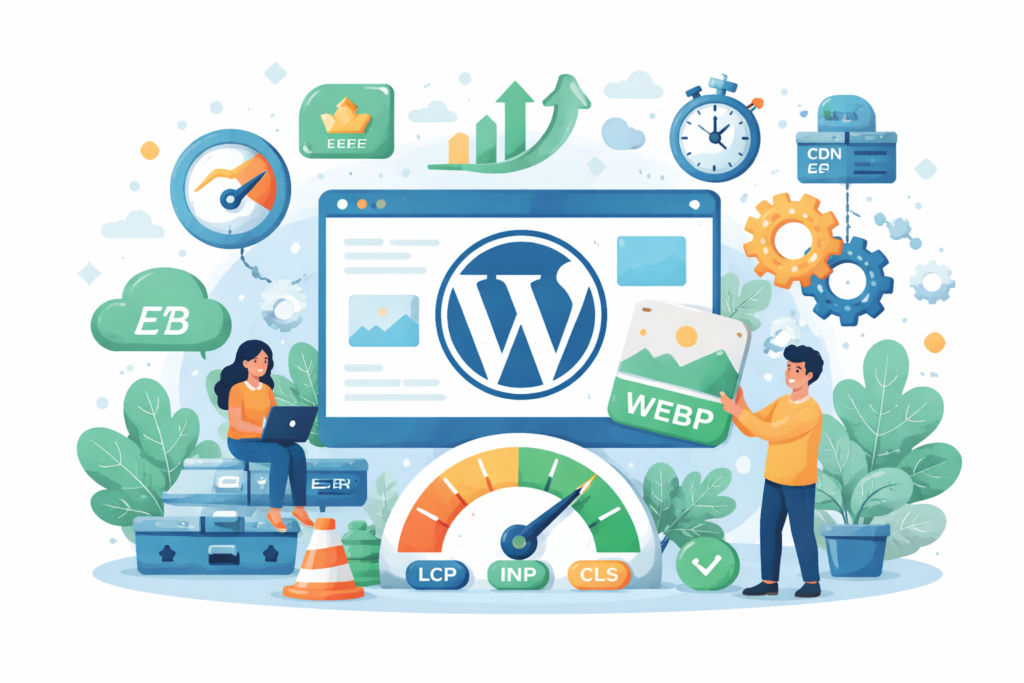
WebP has a direct and measurable impact on Core Web Vitals, which are critical indicators of real-world user experience. One of the most affected metrics is Largest Contentful Paint, which often depends on how quickly large images load above the fold.
By reducing image file sizes, WebP allows browsers to download and render key visuals faster. This shortens the time it takes for users to see meaningful content, improving perceived speed and actual performance metrics. Faster rendering also reduces the likelihood of users abandoning a page before it fully loads.
WebP indirectly improves interaction-related metrics as well. When images load efficiently, fewer resources compete for bandwidth, allowing scripts and interactive elements to become responsive sooner. This results in smoother navigation, quicker interactions, and a more stable browsing experience across devices.
WebP WordPress Compatibility and Browser Support
One of the most common concerns about WebP is browser compatibility. Today, this concern is largely outdated. Modern browsers across desktop and mobile platforms fully support WebP, making it safe for widespread use on WordPress websites.
That said, responsible implementation still requires fallback handling. A small percentage of users may access a site using older environments or uncommon devices. WordPress sites should be configured to serve alternative image formats when necessary to ensure no visitor experiences broken or missing images.
Compatibility also depends on hosting and server configuration. Some hosting environments support automatic WebP generation, while others rely on plugins or manual setup. Understanding how your WordPress stack handles images helps prevent conflicts, caching issues, or inconsistent delivery.
Native WordPress Support for WebP Images
Recent versions of WordPress include native support for uploading WebP images directly into the media library. This allows site owners to store and use WebP files without custom code or third-party tools.
However, native support alone is limited. WordPress does not automatically convert existing JPEG or PNG images into WebP, nor does it dynamically serve different formats based on browser support. As a result, many websites only benefit partially from WebP when relying solely on core functionality.
Another limitation involves image resizing. WordPress generates multiple image sizes for responsive layouts, but without additional optimization, these resized versions may remain in older formats. This creates inconsistent performance improvements across different screen sizes and devices, reducing the overall effectiveness of WebP.
WebP Conversion Methods for WordPress Websites
There are three main ways to implement WebP on a WordPress website: plugin-based conversion, server-side conversion, and CDN-based delivery. Each method offers unique benefits depending on technical expertise and site requirements.
Plugin-based conversion is the most accessible option. It automates image optimization, handles browser compatibility, and integrates directly with WordPress workflows. However, poorly optimized plugins can introduce overhead or conflicts if not carefully selected.
Server-side conversion provides greater control and efficiency. Images are converted using server tools, reducing reliance on WordPress plugins. This approach is ideal for performance-focused websites but requires technical knowledge and compatible hosting infrastructure.
CDN-based delivery shifts image optimization and format selection to an external delivery layer. This reduces server load and simplifies management while ensuring users receive the most efficient image format for their browser.
SEO Benefits of Using WebP in WordPress
WebP contributes to SEO by strengthening performance-related signals that search engines already value. Faster loading pages improve crawl efficiency, reduce bounce rates, and increase user engagement, all of which support better visibility over time.
Optimized images also enhance image search performance. Faster-loading visuals are more likely to engage users, especially on mobile devices, increasing the overall value of image-based traffic.
WebP aligns with modern search engine priorities that emphasize user experience, efficiency, and accessibility. While it does not replace high-quality content or sound technical SEO practices, it enhances the foundation on which those strategies rely, making them more effective and sustainable.
WebP and Mobile Optimization in WordPress
Mobile performance has become one of the most critical success factors for WordPress websites. With the majority of users accessing content on smartphones, image efficiency directly affects usability, engagement, and search performance. WebP plays a central role in mobile optimization by dramatically reducing image file sizes without sacrificing visual quality.
Mobile networks are often slower and less stable than desktop connections. When large images are delivered in outdated formats, pages take longer to render, causing users to abandon the site before content becomes visible. WebP minimizes this risk by ensuring images load quickly, even on limited bandwidth, creating a smoother and more reliable browsing experience.
From a design perspective, WebP supports responsive images effectively. WordPress can serve appropriately sized images for different screen resolutions while maintaining consistent quality. This balance between performance and aesthetics ensures mobile visitors receive a fast, visually appealing experience that encourages longer sessions and repeat visits.
WebP Image Delivery and User Experience Signals

User experience is a defining factor in how both visitors and search engines evaluate a website. WebP enhances user experience by reducing delays, preventing visual disruptions, and improving perceived speed across all pages.
When images load quickly, users are more likely to stay engaged with the content. Slow-loading visuals can cause frustration, increase bounce rates, and reduce trust. WebP helps eliminate these friction points by ensuring images appear promptly and smoothly, even on content-heavy pages.
Visual stability is another important consideration. Efficient image delivery reduces layout shifts caused by late-loading assets. This creates a more predictable and comfortable browsing experience, reinforcing professionalism and credibility. Over time, these positive interactions contribute to stronger behavioral signals that support long-term SEO performance.
Security and Reliability Considerations for WebP WordPress
While WebP is a safe and widely adopted format, its implementation must follow responsible security practices. Improper handling of image uploads, conversions, or server configurations can introduce unnecessary risks into a WordPress environment.
It is essential to ensure that only trusted tools and workflows are used for image processing. Poorly maintained plugins or misconfigured servers can expose vulnerabilities, consume excessive resources, or disrupt normal site functionality. Regular updates and controlled access to image processing features are critical for maintaining stability.
Reliability is equally important. Visitors expect images to load consistently across devices and browsers. A failed fallback or broken image undermines trust and damages the perceived quality of the website. Thorough testing and monitoring ensure WebP enhances performance without compromising reliability or security.
Common Mistakes When Implementing WebP in WordPress
One of the most common mistakes is converting images without preserving originals. This limits flexibility and makes it difficult to revert changes if issues arise. Original files should always be retained as backups for quality control and future use.
Another frequent error is failing to implement proper fallback support. Serving only WebP images without considering compatibility can result in missing visuals for some users. This negatively affects accessibility and user trust, especially for business-critical pages.
Over-compression is also a widespread problem. Aggressive compression settings can degrade image quality, making content appear unprofessional. The goal of WebP optimization is balance—smaller file sizes with no noticeable loss in visual clarity.
WebP for E-Commerce and Image-Heavy WordPress Sites
For e-commerce stores, portfolios, and media-rich blogs, image performance directly impacts revenue and engagement. Product images, galleries, and sliders must load quickly while maintaining high quality. WebP enables this balance more effectively than traditional formats.
Faster image delivery improves product browsing, reduces friction during navigation, and enhances user confidence. When customers can view products instantly and clearly, they are more likely to explore further and complete purchases.
Image-heavy websites also benefit from reduced server load and bandwidth usage. WebP lowers the overall resource footprint, improving scalability during high-traffic periods and maintaining consistent performance under load.
WebP and Long-Term SEO Sustainability
Search engine algorithms continue to evolve toward rewarding sites that provide efficient, user-focused experiences. WebP aligns with this direction by addressing performance at a foundational level rather than relying on short-term optimization tactics.
Unlike temporary SEO techniques, image optimization delivers lasting value. Faster pages improve crawl efficiency, reduce technical debt, and support other SEO efforts such as content expansion and internal linking.
WebP also future-proofs WordPress websites. As performance expectations rise and mobile usage grows, sites that already use modern image formats will be better positioned to adapt without major overhauls.
WebP Implementation Workflow for WordPress Websites
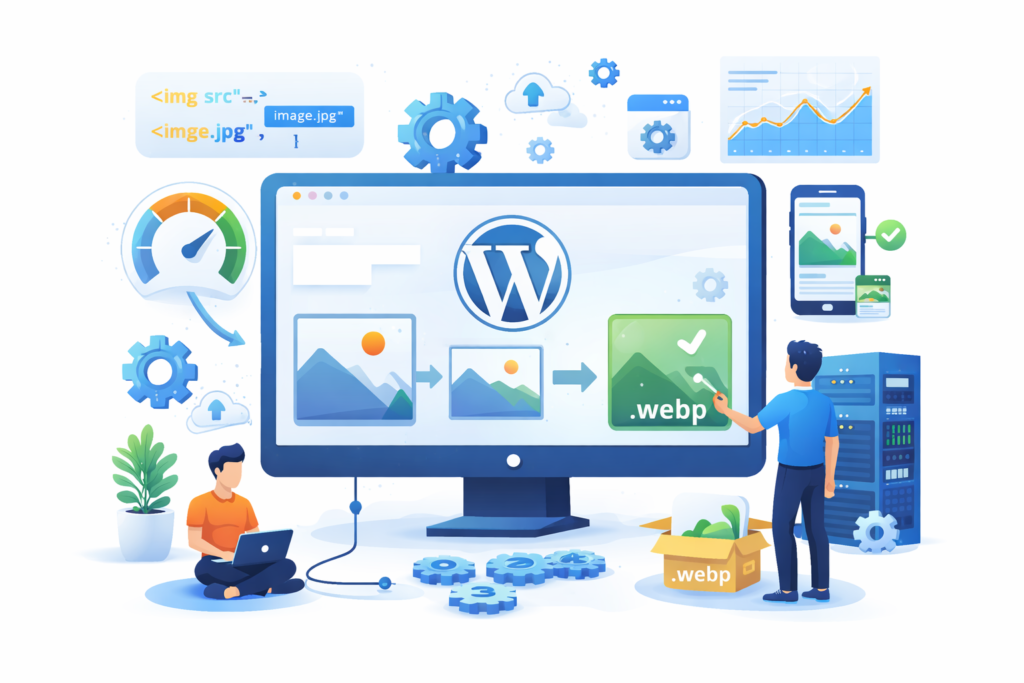
A successful WebP implementation begins with auditing existing images to understand current file sizes, formats, and performance impact. This helps identify where optimization will deliver the greatest benefit.
The next step is choosing an appropriate conversion and delivery method based on technical capabilities and site requirements. Whether using plugins, server tools, or external delivery systems, consistency and reliability should guide the decision.
After implementation, ongoing monitoring is essential. Performance metrics, visual quality, and compatibility should be reviewed regularly to ensure WebP continues to deliver positive results without unintended side effects.
FAQs
Q1.Is WebP safe to use on WordPress websites?
Yes, WebP is a stable and widely supported image format when implemented responsibly with proper fallbacks.
Q2.Does WebP affect image quality?
When configured correctly, WebP maintains excellent visual quality while significantly reducing file size.
Q3.Will WebP improve SEO rankings directly?
WebP improves performance and user experience, which indirectly supports stronger SEO outcomes.
Q4.Do I need to convert all existing images to WebP?
Converting high-impact images first is often the most effective approach, followed by gradual optimization.
Q5.Is WebP suitable for all types of websites?
WebP benefits most WordPress sites, especially those with frequent image usage or mobile traffic.
Q6.Can WebP replace JPEG and PNG entirely?
In most cases yes, but maintaining originals and fallbacks ensures flexibility and compatibility.
Best Practices Summary for WebP WordPress
WebP should be implemented as part of a broader performance strategy rather than a standalone fix. Retain original images, avoid over-compression, and test thoroughly across devices.
Choose tools that align with your technical skill level and site scale. Prioritize consistency, stability, and maintainability over quick wins.
Regularly review performance metrics and user experience indicators to ensure WebP continues delivering value as your WordPress site evolves.
Conclusion
WebP WordPress optimization is no longer a nice-to-have enhancement—it is a core component of modern website performance. By reducing image sizes, improving load times, and enhancing user experience, WebP strengthens both technical SEO and real-world usability.
When implemented thoughtfully, WebP supports long-term growth, scalability, and search visibility. At mywebmaintenance, we view image optimization not as a technical shortcut, but as a foundational investment in site quality, trust, and performance.
WordPress websites that adopt modern image standards today are better positioned to compete tomorrow.
Want to Implement This Easily?
You are an expert consultant.
Based on the blog post titled “WebP WordPress”, provide a step-by-step, practical implementation guide.
Include tools, best practices, common mistakes to avoid, and advanced tips.
Assume the reader wants to implement everything discussed in this article effectively.
Want our help implementing this?
Just reach out to us via our website contact form:
https://www.mywebmaintenance.com/contact-us/
WebP WordPress: How Modern Image Optimization Improves Speed, Core Web Vitals, and SEO Read More »